

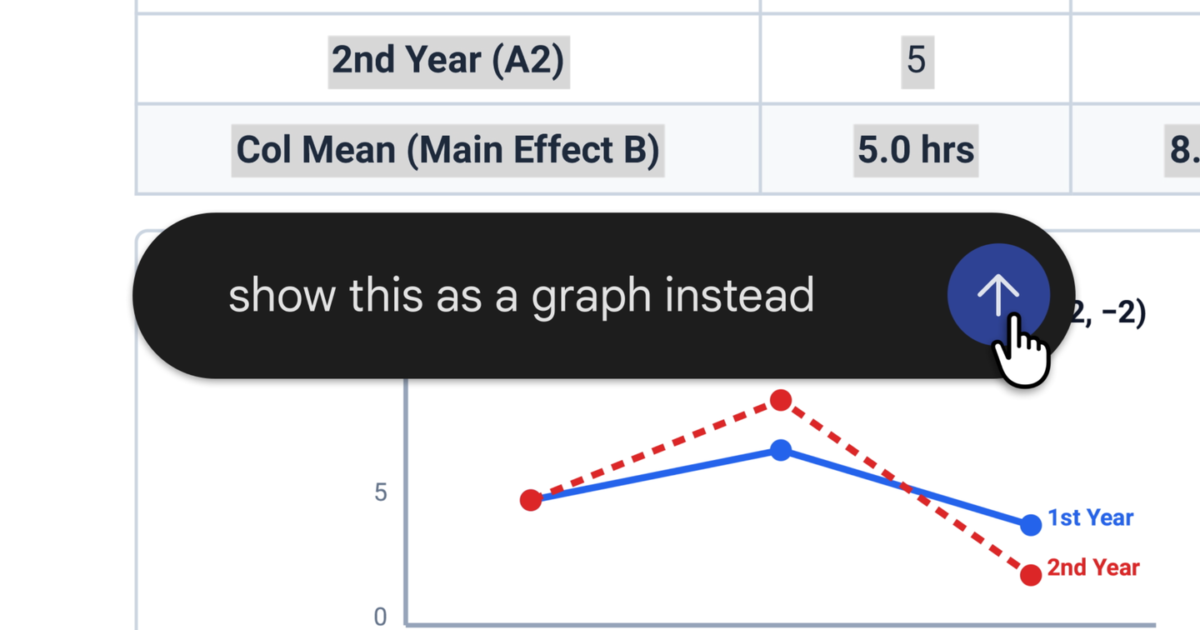
Google announced on October 29, 2026, that users can now generate, preview, and edit documents, PDFs, presentations, spreadsheets, and code directly within the Gemini app chat interface.
New editing capabilities
The update allows users to manipulate files without leaving their chat. Users can expand to a full-screen view to type edits directly, highlight text to ask questions, or request Gemini to refine content.
As an example, Google demonstrated creating a PDF study guide from uploaded handwritten lecture notes. Users can manually edit the resulting document, highlight specific sections to ask for edits to text or visuals, or ask follow-up questions.
Format support and availability
PDF previewing and editing is supported on both mobile and web versions of the Gemini app. Other file formats—including Google Docs, Google Sheets, slide decks, Markdown files, TXT files, and code—are currently supported on the web interface only.
Google confirmed that these new creation and editing features are now available to all users across all languages where the Gemini app is supported.
Key facts and where they come from
- Gemini users can generate, preview, and edit files directly within their chat interface.
You can now generate, preview, and edit files right within your chat
- PDF preview and editing functions are supported across both web and mobile.
PDF preview and editing is supported on both the web and mobile
- Google Docs, Sheets, slide decks, Markdown, TXT, and code editing are restricted to the web version.
all other formats (Google Docs, Google Sheets, slide decks, Markdown files, TXT files, and code) are supported on the web only.
- The features have rolled out to all users in all supported languages.
These capabilities are now available to all users in all languages where Gemini app is available.