

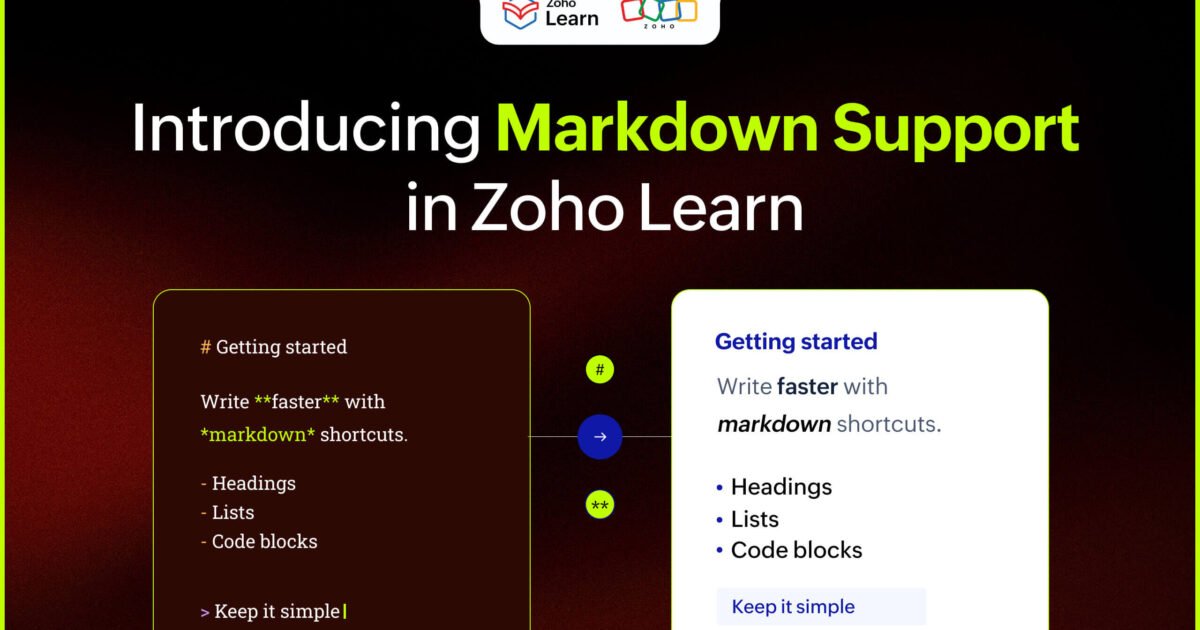
Zoho announced that its Learn platform now supports Markdown, allowing users to create, import and export Markdown files in their knowledge base.
What it does
Zoho Learn supports creating, importing and exporting Markdown files, previewing code side-by-side, and exporting SOPs and articles as .md files while keeping structure.
How to get started
Markdown support is available in all plans in Zoho Learn. Users can refer to the help documentation for detailed instructions on using the Markdown editor.
What Zoho says
"We're excited to announce the release of Markdown support in Zoho Learn."
What to do
- Check the Zoho Learn help documentation for detailed instructions on using the Markdown editor.
- Contact support@zoholearn.com for any questions or suggestions about the feature.
Key facts and where they come from
- Zoho Learn now supports Markdown
We're excited to announce the release of Markdown support in Zoho Learn.
- Users can create, import, and export Markdown files
You can now create, import, and export Markdown files in your knowledge base.
- Markdown support is available in all plans
Markdown support is available in all plans in Zoho Learn.
- Side-by-side preview of Markdown code and formatted output
You can preview the Markdown code and the formatted output side-by-side.
- Direct import of Markdown files to create new articles
You can directly import Markdown files in Zoho Learn and create new articles.
- Export SOPs and articles as .md files while maintaining structure
You can also export SOPs and articles in your Zoho Learn hub as a .md file while maintaining the content structure.